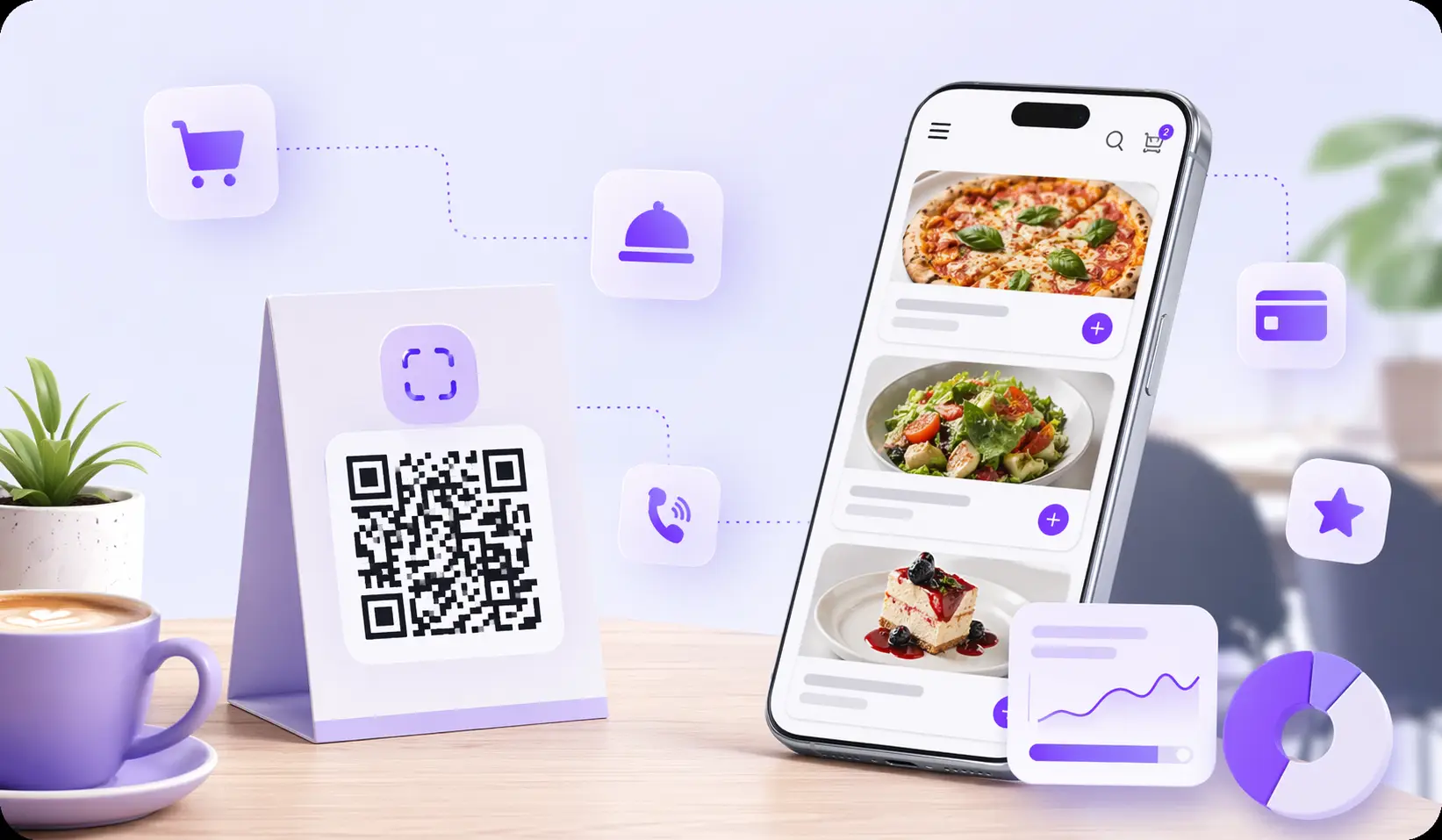
An online menu for cafes helps cafes update menus faster, reduce print costs, and give guests a cleaner mobile experience. Instead of replacing paper menus every time a price, dish, or availability changes, the team edits one digital source and the QR code keeps working. The article compares common formats and explains how a cafe can launch quickly without a technical team.
Essential cafe features in 2026
In 2026, most guests open menus on mobile devices. The page must be fast, readable, and easy to navigate.
Recommended requirements:
- Use WebP or similarly optimized image formats.
- Keep preview images lightweight and consistent.
- Use readable font sizes on mobile screens.
- Make buttons and category tabs easy to tap.
- Avoid horizontal scrolling inside the main menu.
- Test in Safari on iOS and Chrome on Android.
- Keep the QR destination stable so printed materials do not need replacement.
If the menu loads slowly or looks like a desktop page squeezed into a phone, guests will close it quickly.
Where to place QR codes for maximum reach
A QR menu works only when guests notice it and understand what to do. Placement matters as much as the menu itself.
- Table tents. The most reliable format for dine-in guests. Put the QR code at eye level with a simple call to action.
- Stickers on tables. Good for compact spaces, counters, and quick-service formats. Use durable material so the code stays scannable.
- Entrance and host stand. Helps guests check the menu before sitting down or while waiting.
- Windows and outdoor signs. Useful for people deciding whether to enter.
- Delivery inserts. Add the QR menu to packaging or flyers to bring customers back to the current menu.
- Social media and Google Business Profile. Place the menu link where guests already search for you.
For cafes, the best setup is usually a combination of table placement, a link in social profiles, and a QR code at the entrance.